
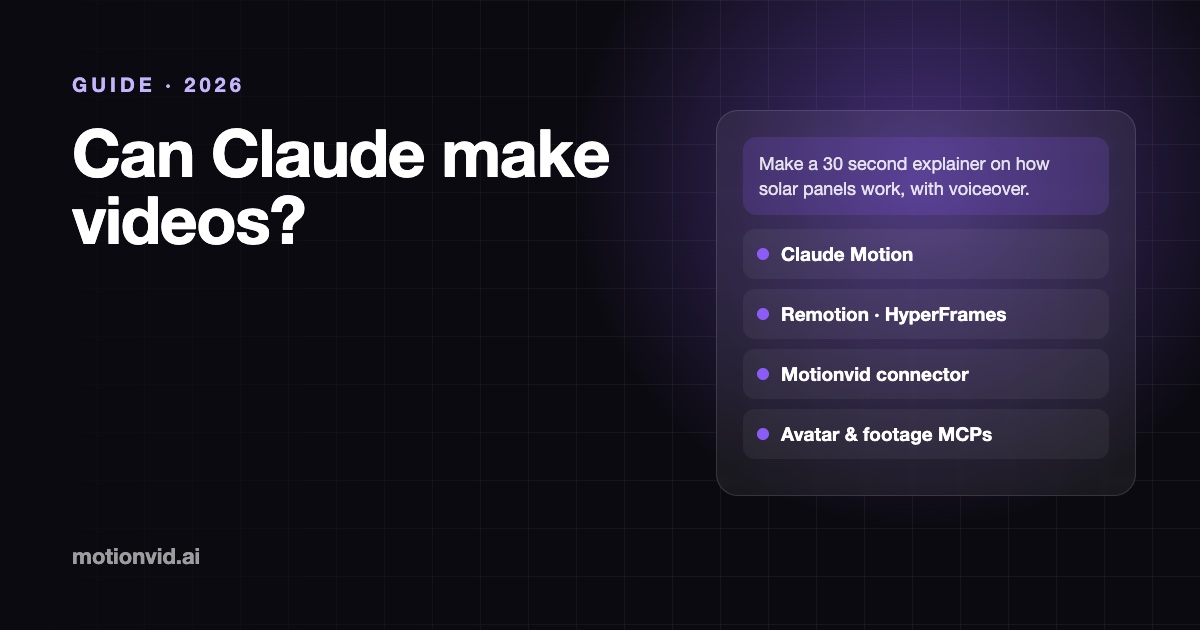
Can Claude make videos? Every way to do it in 2026
Yes: Claude Motion, Remotion or HyperFrames in Claude Code, or a connector like Motionvid that returns a finished MP4 with voiceover. Each route compared.

Co-founder, MotionVid ·
Quick answer
Yes, five ways. For a finished video, a story, an ad or an explainer with voiceover and music, connect Motionvid: Claude briefs it and hands you the MP4, and its AI Director tells whole stories with a consistent cast. Claude Motion animates charts inside Claude (Team and Enterprise, beta), and Claude Code can write a Remotion or HyperFrames project you render yourself. Checked on each vendor's own pages, November 2026.
Full disclosure: Motionvid is our product, and one of the five routes below is our connector. We say where the others are the better pick, and every fact about another tool comes from that tool's own documentation.
The short version is that Claude does not render pixels the way a video model does. It either writes code that animates (Claude Motion, Remotion, HyperFrames) or briefs a video service through a connector. Which route fits depends on whether you want to write and render code, and on what the video has to contain.
The five routes at a glance
| Route | What Claude does | What renders | Where it works | Best for |
|---|---|---|---|---|
| Claude Motion | Animates text, charts, shapes and images as a code artifact | Claude, export to MP4 | claude.ai (Team and Enterprise, beta) | A quick animated chart inside Claude |
| Remotion + Claude Code | Writes a React video project | You, on your machine or your AWS | Claude Code | Developers who want full control in code |
| HyperFrames + Claude Code | Writes an HTML and GSAP video project | You, with Node 22+ and FFmpeg | Claude Code | Developers who prefer HTML to React |
| Motionvid connector | Briefs a finished video: script, scenes, cast, voiceover, music | Motionvid, MP4 up to 4K | claude.ai, Claude desktop, Claude Code | Finished films: stories, ads, explainers, no code |
| Avatar and footage connectors | Generates presenters (HeyGen) or cinematic clips (Higgsfield) | The vendor | claude.ai, Claude Code | Talking heads, realistic footage |
1. Claude Motion: animated charts inside Claude
Claude Motion animates text, charts, shapes and images as a code artifact, and you export the result as an MP4. Anthropic's help center lists it in beta on Team and Enterprise plans: on by default for Team, off by default for Enterprise until an owner turns it on. It does not create realistic footage or people.
Pick it when you are already on a Team or Enterprise plan and want a short animated chart or diagram for a deck, without leaving Claude.
2. Remotion with Claude Code: video as React code
Remotion turns React components into video. In Claude Code you describe the video, Claude writes the project, and you render it on your machine or on AWS Lambda in your own account. Remotion is free for individuals and companies of up to three people; larger companies need a company license.
Pick it when you are a developer who wants every frame in code and does not mind running renders. You supply voiceover and music yourself.
3. HyperFrames with Claude Code: video as HTML
HyperFrames, open source from HeyGen under Apache 2.0, does the same job with HTML, CSS and GSAP instead of React. Rendering runs locally and needs Node 22 or newer and FFmpeg. It can add voiceover and music, with HeyGen voices and a track library when you sign in, or a local voice without an account.
Pick it when you want the code route but prefer plain HTML to a React project.
4. The Motionvid connector: a finished video, no code
Motionvid is a hosted video studio Claude can drive through MCP. Claude writes the brief; Motionvid writes the script, animates each scene, records the voiceover, adds music and sound effects, and renders an MP4 up to 4K. Videos run from a few seconds up to 20 minutes, and every one can be edited afterwards, either by asking Claude ("make scene 3 punchier") or in the Motionvid editor.
Its AI Director goes further than any of the code routes: it writes the script, designs a cast that stays the same from shot to shot, can pause on a storyboard for your approval, then renders every scene as cinematic AI footage. That is how you get a brand film or an ad that tells a story, not just an animated chart. Claude can turn it on for you when you ask for a story or an ad.
To set it up in Claude on the web or desktop:
- Open Customize, then Connectors (claude.ai/customize/connectors).
- Click + Add, then Add custom connector.
- Name it Motionvid and paste
https://motionvid.ai/mcp. - Click Connect and sign in with your Motionvid account.
In Claude Code it is one command, claude mcp add --transport http motionvid https://motionvid.ai/mcp, then claude mcp login motionvid. The optional skill (npx skills add tolypash/motionvid-agent) teaches Claude to show you the credit cost before it starts. Step-by-step guides for each client are on Motionvid for Claude and Motionvid for Claude Code.
Pick it when you want explainers, ads, animated data or logo intros that are ready to post, from any Claude plan that allows custom connectors. The connector is included on every paid Motionvid plan, from $19 a month; a 30 second video typically uses about 33 credits of the 500 that plan includes.
5. Avatar and footage connectors
Two other kinds of video service connect to Claude the same way. HeyGen makes AI presenters and avatars and runs a remote MCP server with OAuth sign-in. Higgsfield generates cinematic clips from many video models, up to 15 seconds each, through an MCP server that bills your plan credits.
Pick one of these when the video needs a talking person or realistic footage. That is not what Motionvid is built for.
A worked example
Say you need a 30 second vertical ad for a new feature. With the Motionvid connector the whole job is one message to Claude:
Make a 30 second 9:16 ad for the new scheduling feature at https://yourapp.com. Three benefits, one per scene, voiceover and music, end on our logo.
Claude starts the job, follows the build for a few minutes, shows you one frame per scene, and hands you the MP4. The Remotion and HyperFrames routes can produce the same ad, but you will be reviewing code and running a render instead.
Which route should you choose?
- A chart for a deck, on a Team plan: Claude Motion.
- You write code and want full control: Remotion or HyperFrames in Claude Code.
- A finished explainer, ad or reel with voiceover, no code: the Motionvid connector.
- A talking presenter or realistic footage: HeyGen or Higgsfield.
More on agent video: Motionvid for AI agents and the best MCP servers for video generation.
Frequently asked questions
Can Claude make videos?
Yes, in five ways as of November 2026: Claude Motion animates charts and diagrams inside Claude on Team and Enterprise plans; Claude Code can write a Remotion or HyperFrames project you render yourself; and connectors such as Motionvid, HeyGen and Higgsfield let Claude order a finished video from a video service.
Can Claude make a video with voiceover and music?
Through a connector, yes. With the Motionvid connector Claude briefs the video and Motionvid writes the script, records the voiceover, adds music and sound effects, and returns an MP4. In Claude Code, HyperFrames can also add voiceover and music to a project you render locally.
Is Claude Motion free?
Claude Motion is in beta on Claude Team and Enterprise plans, according to Anthropic’s help center. It is on by default for Team plans and off by default for Enterprise until an owner turns it on. It does not create realistic footage or people.
What is the easiest way to make a video with Claude?
Add the Motionvid connector (https://motionvid.ai/mcp) in Claude under Customize, Connectors, then ask for the video in plain words. There is no code and nothing to render on your machine; the connector is included on every paid Motionvid plan, from $19 a month.
Can Claude Code render videos?
Claude Code can write Remotion or HyperFrames projects and run the render on your machine, which needs Node and, for HyperFrames, FFmpeg. Or it can call a hosted service such as Motionvid through MCP and download the finished MP4, with nothing installed locally.