
Text animation
Add Animated Text and Kinetic Typography to Your Video
Type the words, say how they should move, and MotionVid builds the kinetic typography: titles, quotes, captions and word-by-word reveals. Export on its own or with a transparent background to drop over your footage.
Plans start at $19/month (Starter: 500 credits and 60 export minutes). Free accounts in supported countries can edit templates and export 3 minutes a month at 720p.
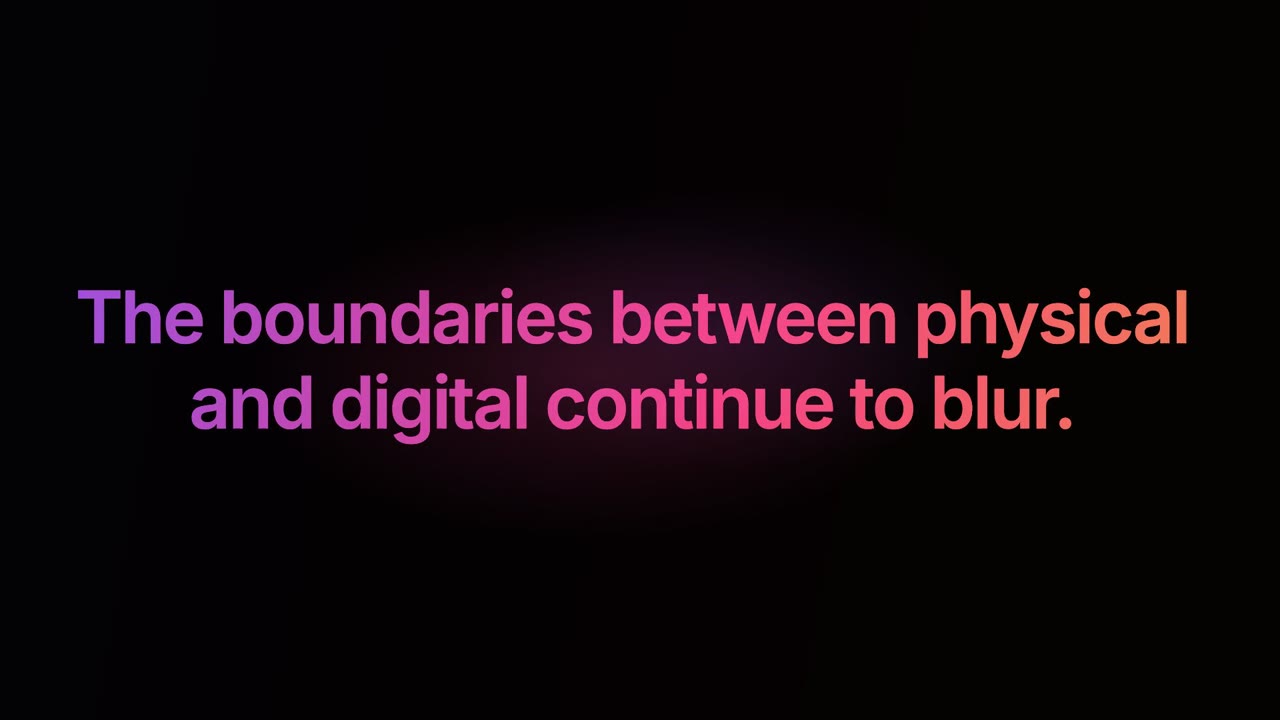
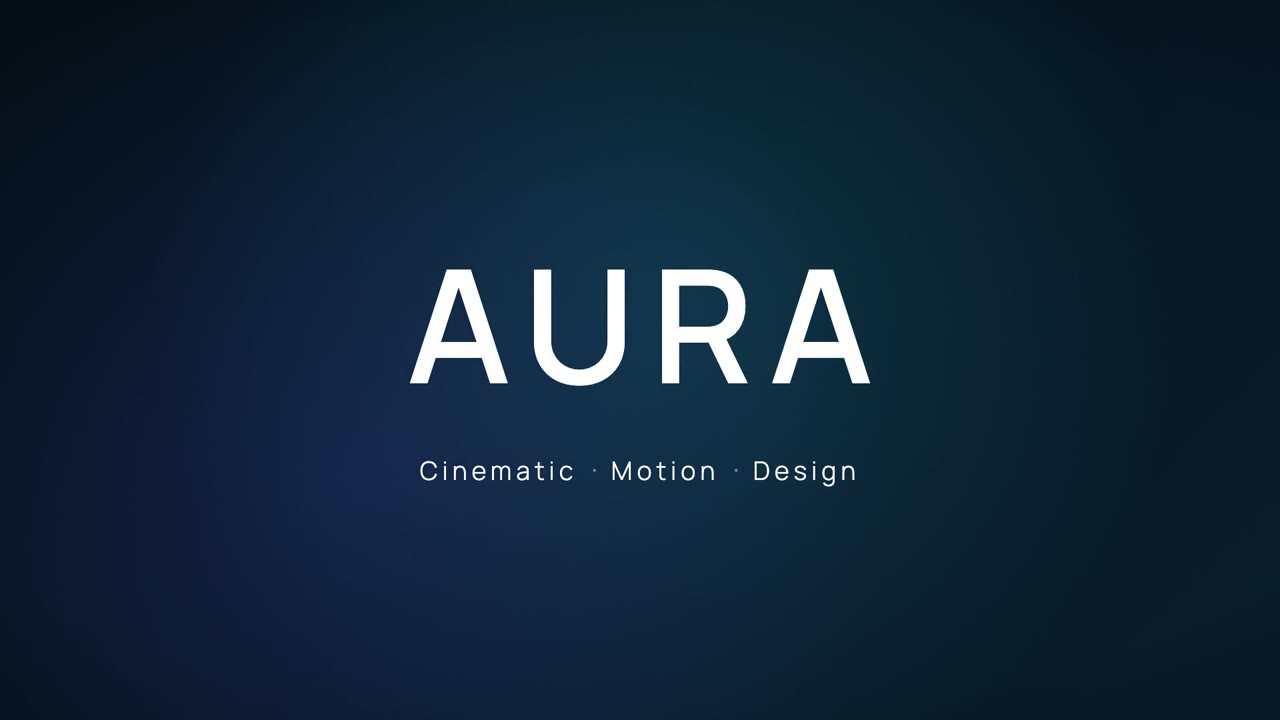
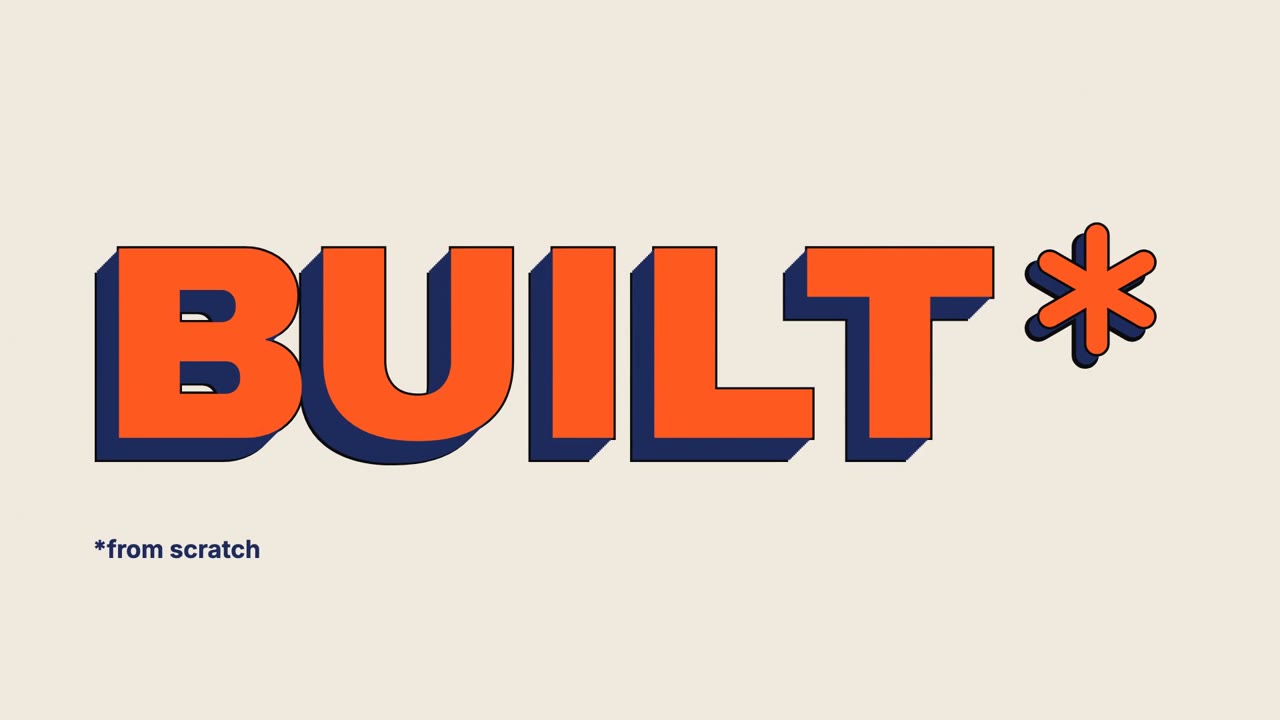
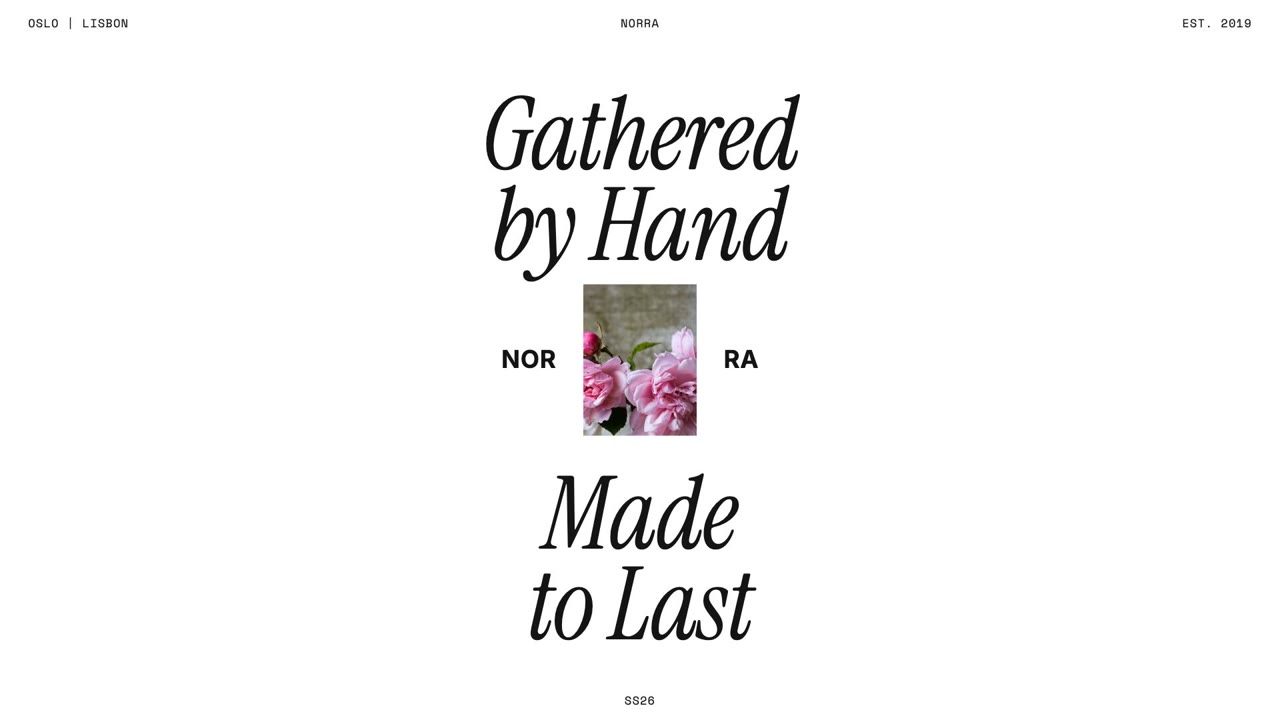
Text animations made in MotionVid
How to add animated text to a video
- 1
Type your words
A title, a quote, a hook or a whole script. Say which words matter and they get the emphasis.
- 2
Pick the motion and style
Word by word, slam-in, typewriter or a soft fade. Set the font feel, colours and the size: 16:9, 9:16 or 1:1.
- 3
Export and lay it over your video
Export an MP4, or a MOV with a transparent background to put over your footage in Premiere, Resolve or Final Cut.
Text animation templates
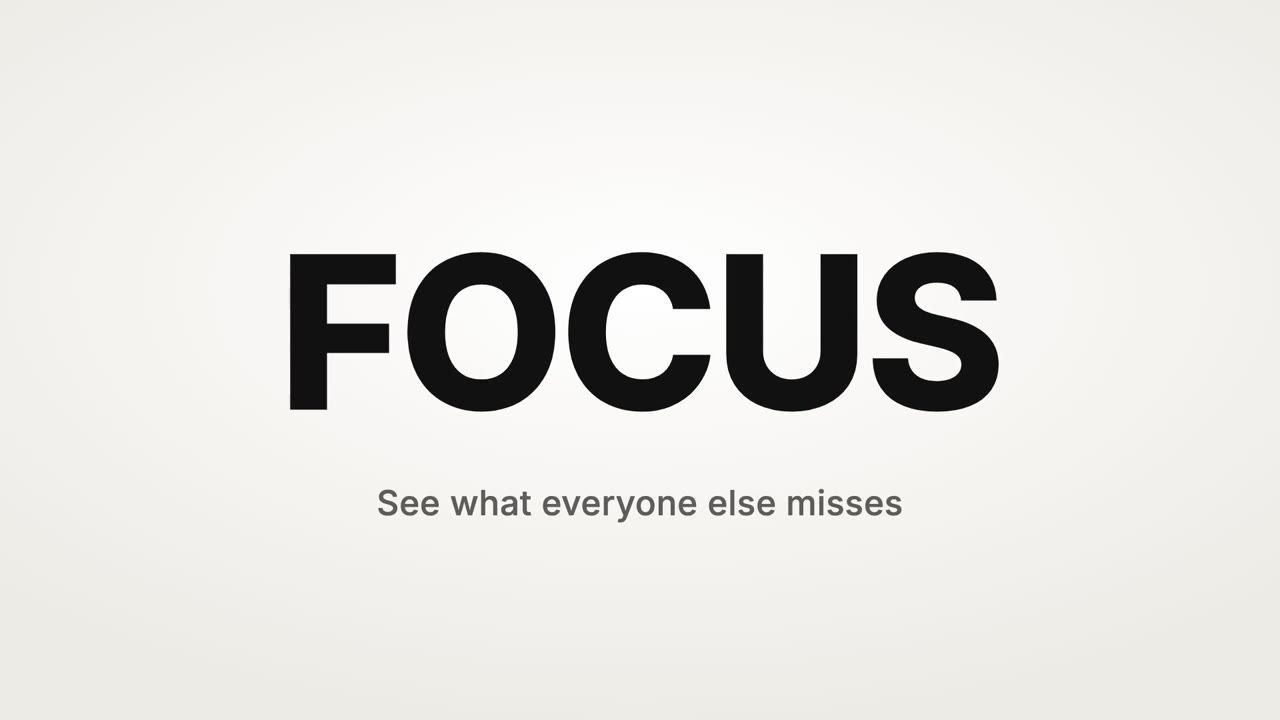
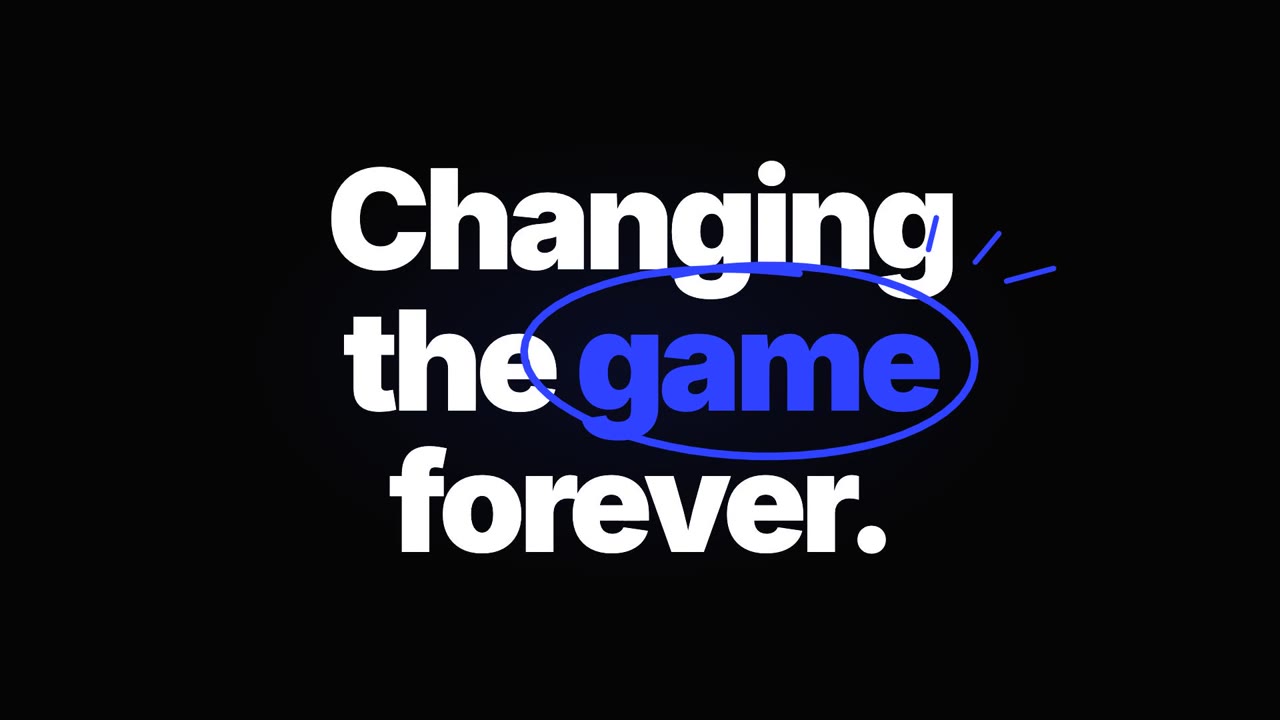
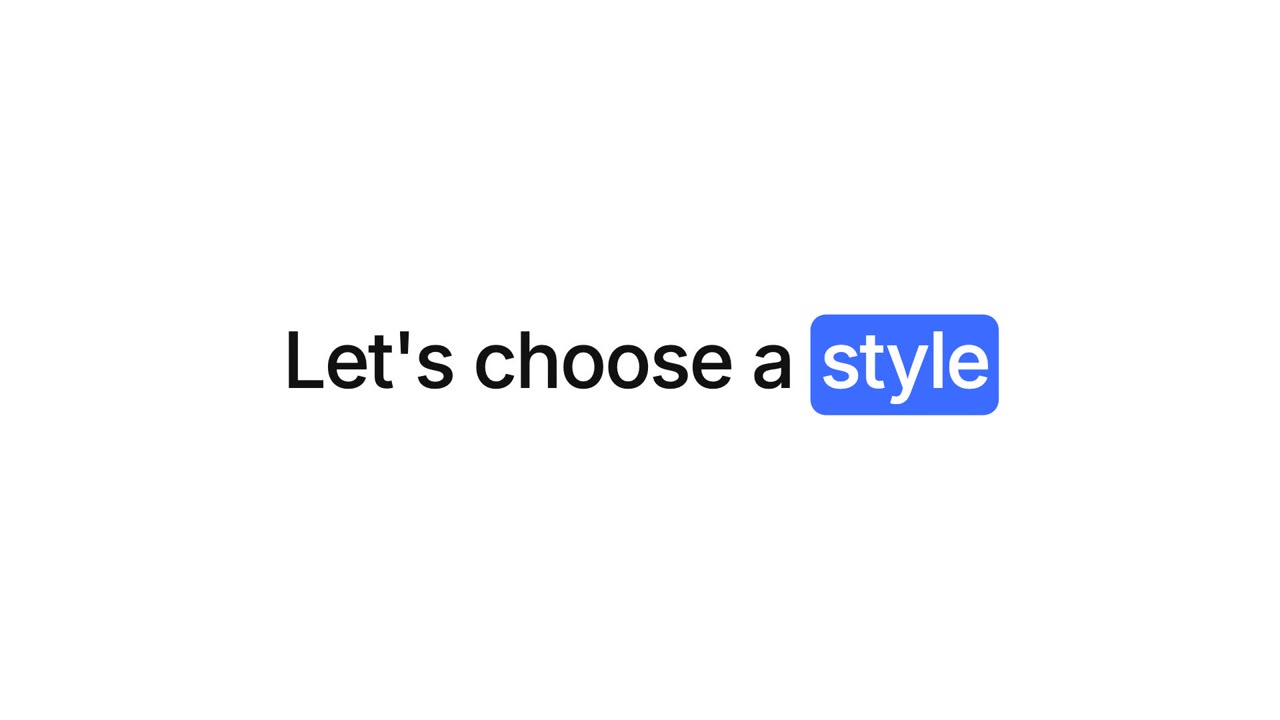
See allKinetic type, title cards, quotes and lower thirds. Change the words, keep the timing.
A CapCut alternative for motion graphics and animated text
CapCut is a footage editor with text presets: you pick a preset and nudge it on a timeline. MotionVid works the other way round. You describe the text animation you want and it builds it from scratch, with the timing, emphasis and layout worked out, and you change it by typing. Keep editing your footage in the app you already use and bring the animated text in as a transparent MOV.
Kinetic typography without keyframes
Kinetic typography is text that moves with the rhythm of what is said. Paste the script and MotionVid times the words to it, sizes the key words up and moves the camera between lines. If you have a voiceover, turn on narration or add music and the reveals follow it.
Inputs
- The words: a line, a quote or a script
- Which words to emphasise
- Font feel and brand colours
- Aspect ratio and length
Outputs
- Kinetic typography video (MP4)
- Transparent MOV text overlay
- 9:16 animated text for Reels and TikTok
- Title cards and lower thirds
Success metrics
- Watch time on text-led clips
- Time saved versus keyframing by hand
- Titles reused across a series
- Hook rate on text openers
Storyboard
A motion sequence that matches the job
- 1First word: Motion starts on frame one.
- 2Build: Words land one by one on the rhythm.
- 3Emphasis: The key word gets size and colour.
- 4Hold: The last line holds long enough to read.
Copy-paste prompt
Kinetic typography for this line, word by word, bold sans serif, one key word in our accent colour, 16:9, about 8 seconds: [paste your line]
Popular variations
Quality checks
- Every line is on screen long enough to read
- Key words stand out, the rest stay calm
- Text sits inside safe margins on a phone
- Fonts and colours match the brand
Where this workflow wins
YouTube intros and chapter titles, quote reels, ad hooks and any edit that needs good-looking type without an afternoon in After Effects.
Modelled on real projects
Teams that use this workflow
YouTubers
Intros, chapter titles and on-screen quotes.
Short-form creators
Text-led Reels and TikToks that read on mute.
Video editors
Animated text overlays for client edits.
Text animation FAQ
What is the easiest way to add animated text and kinetic typography to a video?
Type the words into MotionVid and describe the motion. It builds the kinetic typography for you, and you export it as an MP4 or as a transparent MOV to lay over your footage in your editor. No keyframes, and changes are a sentence.
Is MotionVid a good CapCut alternative for motion graphics and animated text?
For the motion graphics part, yes. CapCut is built for cutting footage with text presets; MotionVid builds custom animated text and motion graphics from a description and lets you edit them by typing. Many creators use both: edit footage in CapCut or Premiere, make the text animation in MotionVid.
Can I export animated text with a transparent background?
Yes. A transparent canvas exports as MOV (ProRes 4444), which keeps the transparency. MP4 cannot be transparent, so it gets a solid background.
Can I use my own fonts and colours?
Yes. Set them in a brand kit or say them in the prompt, and every line uses them.
Keep exploring
Ready to create?
Start from this prompt and have a first draft in minutes.
Plans start at $19/month (Starter: 500 credits and 60 export minutes). Free accounts in supported countries can edit templates and export 3 minutes a month at 720p.