
Logo animation
Animate Your Logo with AI
Upload your logo, say how it should move, and get a logo animation built around your real mark. Intros, reveals and stings for YouTube, ads, socials and launches, editable after it renders.
Plans start at $19/month (Starter: 500 credits and 60 export minutes). Free accounts in supported countries can edit templates and export 3 minutes a month at 720p.
Logo animations made in MotionVid
How to animate your logo
- 1
Upload your logo
Attach a PNG, JPG or SVG, or pick it from your brand kit. MotionVid animates your actual mark, not a redraw.
- 2
Describe the motion
One sentence on how it enters and the mood. Or start from a logo template below and swap your logo in.
- 3
Edit and export
Ask for "slower" or "add the tagline", then export MP4, GIF, or a transparent MOV to put over footage.
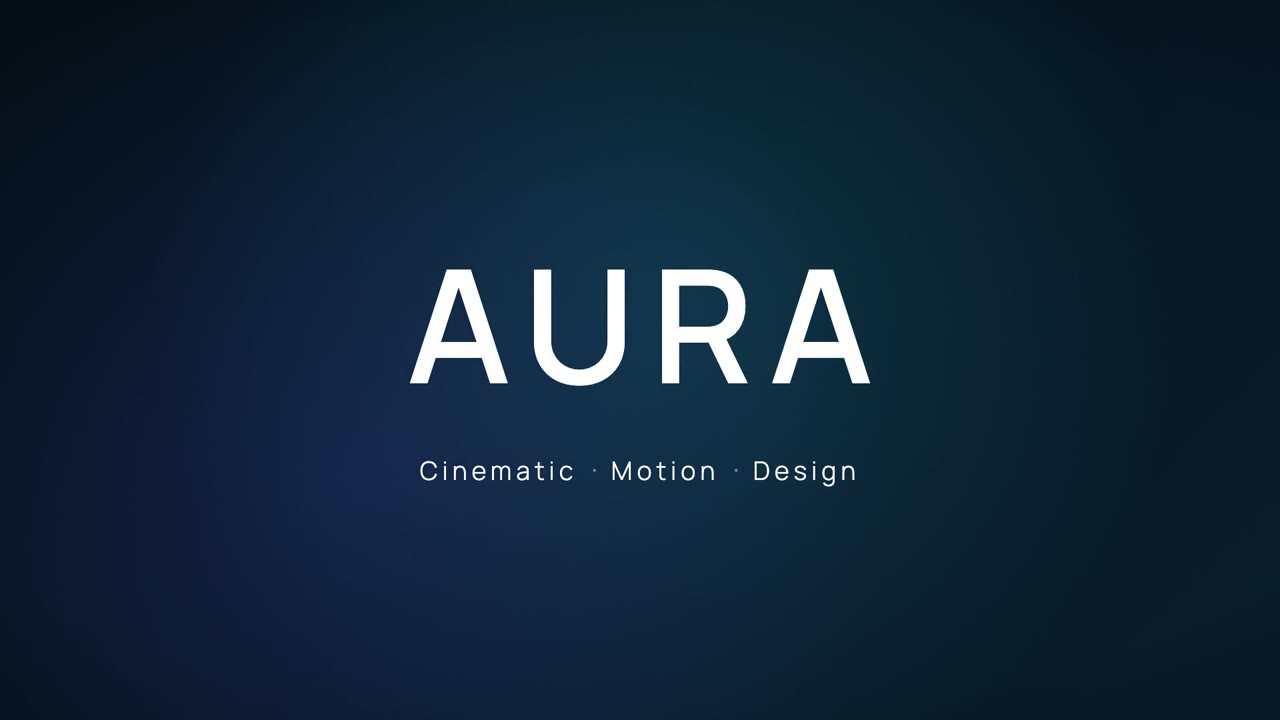
Logo animation templates
See allReal logo reveals and intros. Open one, swap in your logo and colours, export.
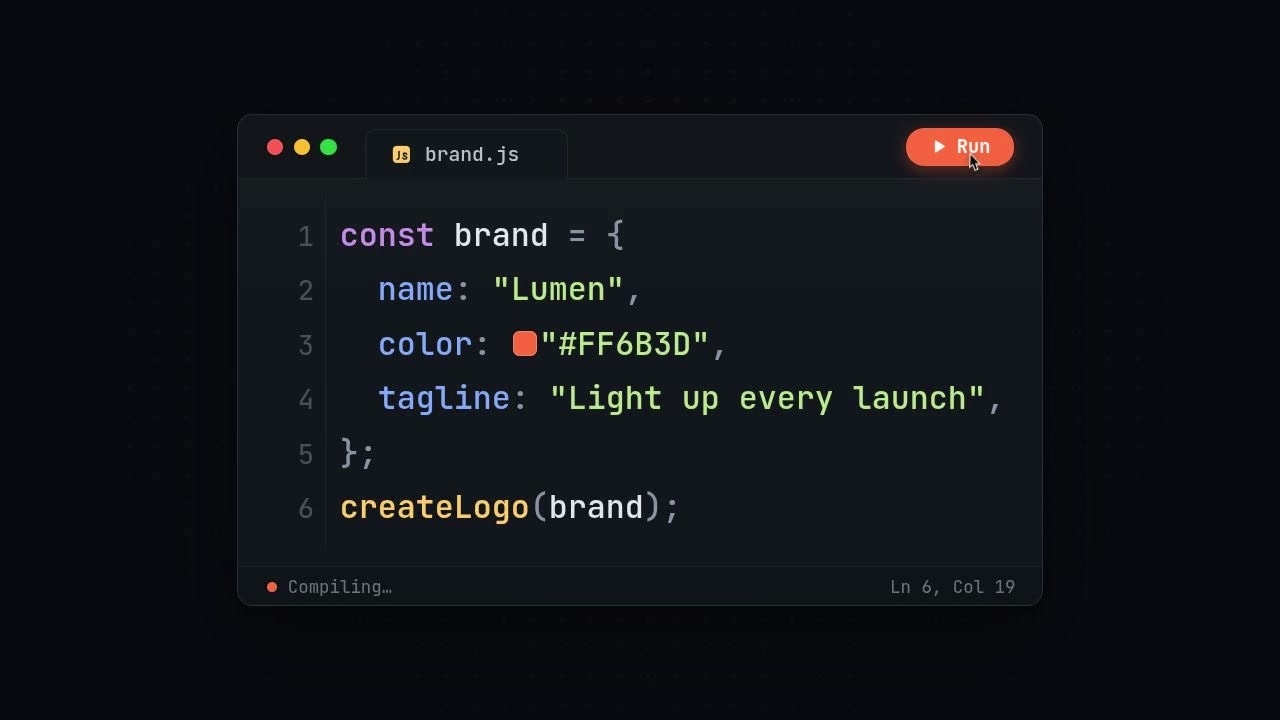
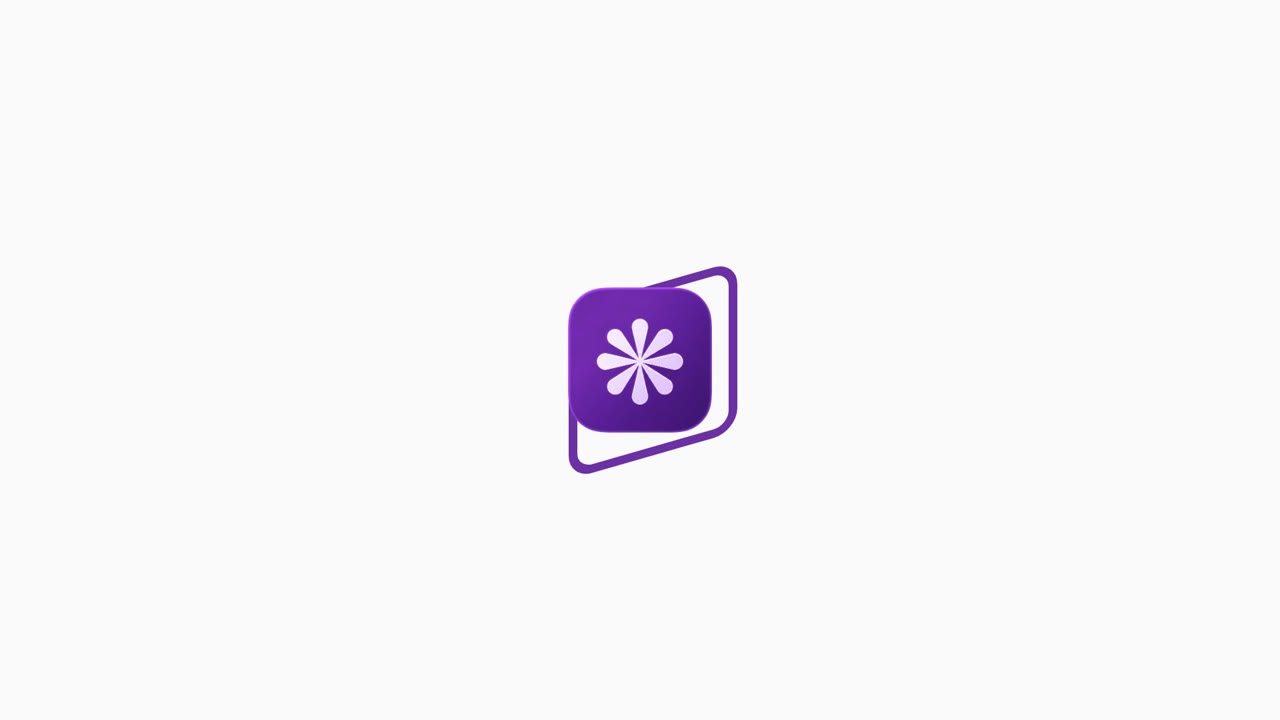
Inputs
- Your logo file (PNG, JPG or SVG)
- Brand colours, or a brand kit
- The mood: minimal, bold, cinematic
- Where it goes: intro, ad end card, sting
Outputs
- 16:9 logo intro for YouTube
- 9:16 logo sting for Reels and TikTok
- Transparent MOV logo to lay over footage
- GIF for email and the web
Success metrics
- Time from logo file to finished intro
- Reuse across videos, ads and launches
- Brand recall on the end card
- Versions made for each channel
Storyboard
A motion sequence that matches the job
- 1Build-up: Lines, shapes or light lead into the mark.
- 2Reveal: Your logo resolves cleanly, in its real colours.
- 3Name: The wordmark or tagline settles in.
- 4Hold: A clean final frame you can cut on.
Copy-paste prompt
Animate my logo (attached) as a 5-second intro: a thin line traces the outline, the mark fills with my brand colour, then the name fades in underneath. Dark background.
Popular variations
Quality checks
- The logo is your real file, not a lookalike
- Colours match your brand exactly
- The final frame holds long enough to read
- It works at phone size
Where this workflow wins
YouTube intros, ad end cards, launch videos and social posts. Anywhere a static logo sits on screen and could be doing more.
Modelled on real projects
Teams that use this workflow
YouTubers
A channel intro from the logo you already have.
Brands and startups
Logo stings for ads, launches and socials.
Agencies and freelancers
Logo animations for clients in minutes.
Logo animation FAQ
Can you recommend an AI tool for animating my logo?
MotionVid is built for it: upload your logo, describe the motion in a sentence, and it makes a logo animation around your real mark and colours. You can change the timing, background or text by typing, and export MP4, GIF or a transparent MOV. Logo templates are also there if you would rather start from a finished look.
Can I animate my own logo, not a generic one?
Yes. Attach the file or pick it from a brand kit, and the animation uses your actual mark.
Can I export with a transparent background?
Yes. Export a transparent canvas as MOV (ProRes 4444) and drop it over your footage in Premiere Pro, DaVinci Resolve or Final Cut. MP4 has no transparency.
What sizes can I make?
16:9 for YouTube and websites, 9:16 for Reels, TikTok and Shorts, and 1:1 for feeds.
Do I need After Effects?
No. MotionVid writes the animation itself, and you edit it in the browser by typing what you want changed.
Keep exploring
Ready to create?
Start from this prompt and have a first draft in minutes.
Plans start at $19/month (Starter: 500 credits and 60 export minutes). Free accounts in supported countries can edit templates and export 3 minutes a month at 720p.