
Logo animation
AI Logo Animation Generator
Upload your logo, say how it should move, and get a custom animated logo you can still edit. Intros, stings and reveals for YouTube, ads, socials and product launches.
Templates are free with no watermark. Custom animations from $19/month.
How to animate your logo
- 1
Upload your logo
Drop in a PNG, JPG or SVG export. Logos on a solid color animate more cleanly than ones floating on transparency.
- 2
Describe the motion
One sentence is enough: how it should enter, the mood, the background. Or skip the prompt and start from a template below.
- 3
Fix it in plain English
Every animation is editable. Ask for "slower", "brand blue instead of red" or "add the tagline" and it updates without starting over.
- 4
Export
MP4 for socials and ads, transparent MOV (ProRes 4444) to drop over footage in Premiere or Resolve, or a GIF for email and web.
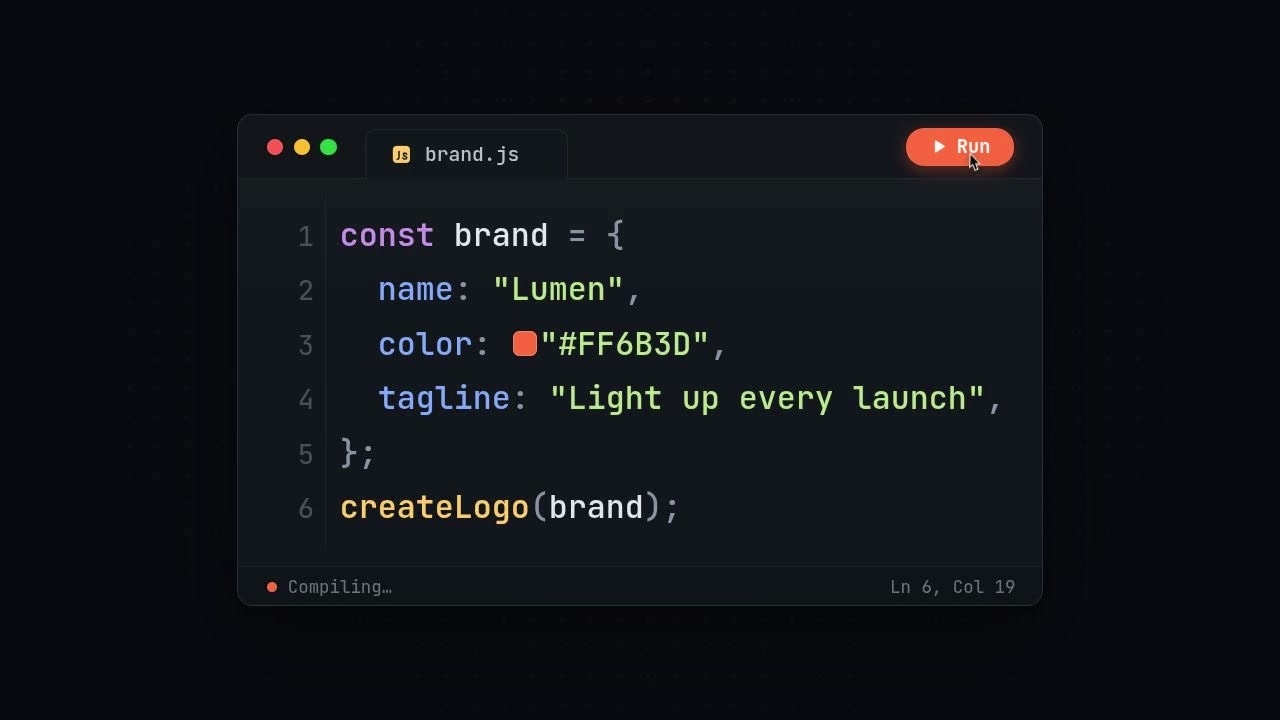
Logo animations made in MotionVid
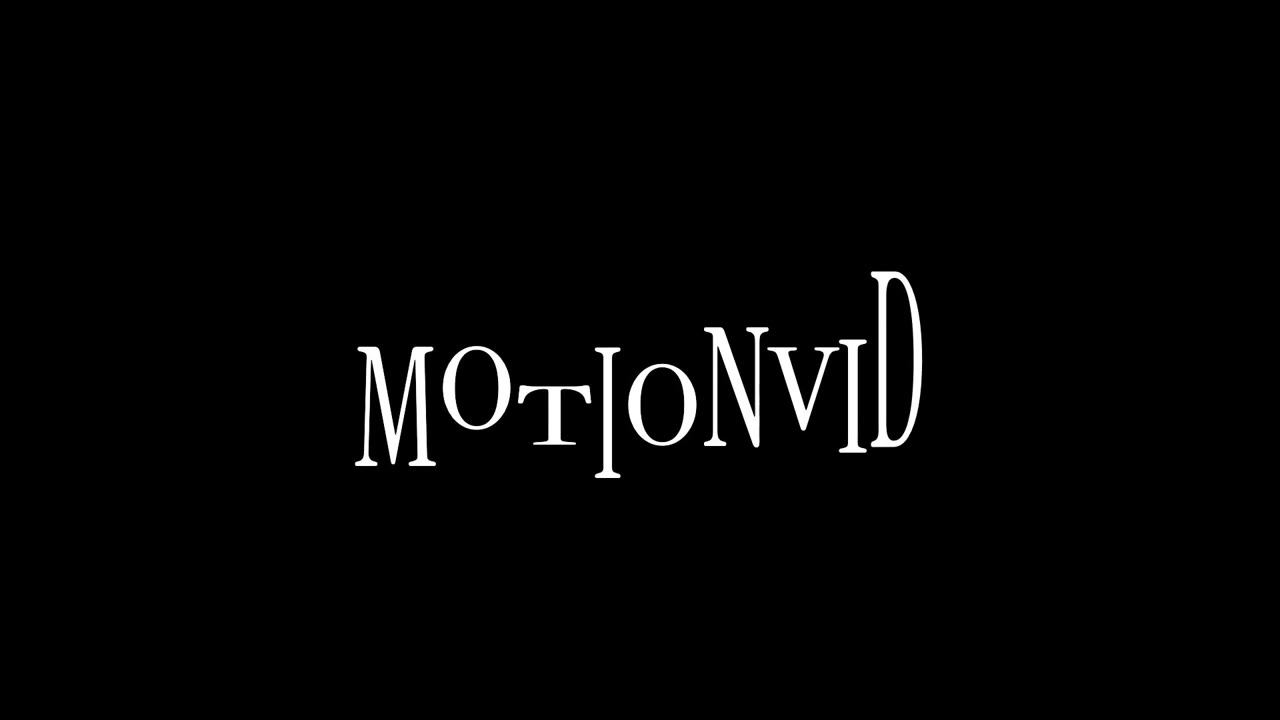
See allEach one is a free template. Open it, swap in your logo and colors, and export.

Logo animation prompts to start from
Click one to open it in the composer, then attach your logo.
- A thin glowing line traces my logo, then it fills with color and the name fades in below.
- My logo assembles from small squares that fly in from the edges, then settles with a soft bounce.
- Bold kinetic intro: three words slam in one by one, then collapse into my logo on a white background.
- A YouTube channel intro: my logo pops in, the channel name slides out to the right, 9:16 and 16:9.
- Minimal reveal for a law firm: the logo fades up on navy, a gold underline draws across, nothing flashy.
- App launch sting: UI icons orbit and collapse into my app icon, then the app name and "Now on iOS".
What you get
- Sizes
- 16:9, 9:16 and 1:1
- Formats
- MP4, transparent MOV, GIF
- Resolution
- 1080p on Starter, 4K on Pro and up
- Editing
- Change text, colors and timing after it renders
Starter is $19/month with 500 credits. Pro adds 4K. Compare every plan on the pricing page.
AI logo animation FAQ
Is there a free AI logo animation option?
Yes. Every logo animation template is free: swap in your logo, change the colors and export an MP4 on the free plan with no watermark, available in the US, Canada, the UK, Europe and other supported countries. Custom animations generated from your own prompt use credits, and paid plans start at $19/month for 500 credits.
Can I animate my own logo, not a generic one?
Yes. Upload your logo file in the composer or pick it from a saved brand kit. MotionVid builds the animation around your actual mark and colors instead of redrawing a lookalike.
Can I export a logo animation with a transparent background?
Yes. Export as MOV (ProRes 4444) and the background stays transparent, so you can lay the logo sting over your own footage in Premiere Pro, DaVinci Resolve or Final Cut. MP4 has no transparency, so a transparent canvas gets a black background there.
What sizes can I make?
Landscape 16:9 for YouTube and websites, vertical 9:16 for Reels, TikTok and Shorts, and square 1:1 for feeds. Starter exports up to 1080p; Pro and higher plans export motion graphics in 4K.
Do I need After Effects?
No. MotionVid writes the animation itself, and you edit it in the browser by typing what you want changed. If you do work in After Effects or Premiere, the transparent MOV drops straight into your timeline.
Can I change it after it is made?
Yes. The animation is built from editable layers, not baked pixels, so you can change the text, colors, timing and background, or ask for a different entrance, without starting over.
Keep exploring
Your logo, moving, in a few minutes
Attach the file, describe the motion, export. Change anything you don't like by asking.